


MyPaint Brush Usage Demonstrations - Video 1:
A while back I wrote a semi review and a heavy overview of the art program MyPaint.
Although the overview
was quiet detailed I thought I'd make a video and probably the first
of a series based off of the brushes on MyPaint. Each brush I use, I
use only that tool, not even an eraser if I wanted to erase I used
white instead of the eraser. - I didn't sick with total default
settings of the brush itself but it's good to see the brush used in
different ways anyway.
The brushes I used are as follows:
- Light Pencil
- Hard Pencil
- Art Pen
- Inking Pen
- and Fill – Marker
[Update: If you prefer to read in detail instead of watch a video Click Here to download a readable description of each brush in this video.]
Each section will be a mini Speed-Paint
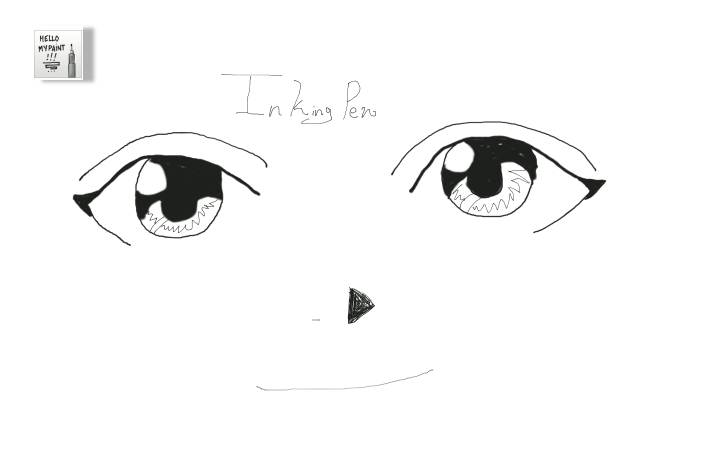
(Time-Lapse-Video), the finished drawing will show the icon for the
brush I used and before beginning a drawing there will be a circles
around the brush as seen in the menu. - All brushes in this video are
from the “Set #2” in the brush menu. - Note: The Drawings will not be particularly awesome, it's just to get the point across. - No Audio.
 |
| Light Pencil is good more for early sketch lines, as it is very light. - But I still attempted to draw something. |



Video 2
Video 3
Video 4
Video 5
Video 6
I hope this has helped you in getting started with MyPaint.
Enjoy!
May God bless you, your family, friends; along with the health of yourself, family, and all who know you. ~ Amen
~ Firefly
Useful
Links:
Would
You Like To Read More Blog Posts Similar To This One? Take A Look At
The Official Blog
Archive.
Have A
Question?
